



Undo any plugin
or theme update.
Roll any plugin or theme, free or premium, back to a version that worked. It takes seconds, and your content stays exactly as it was.
“The DeLorean time machine of the plugins.”
Everything you need for WordPress plugin and theme version control
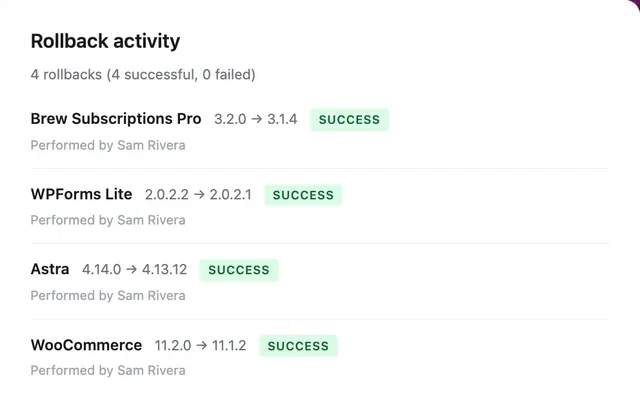
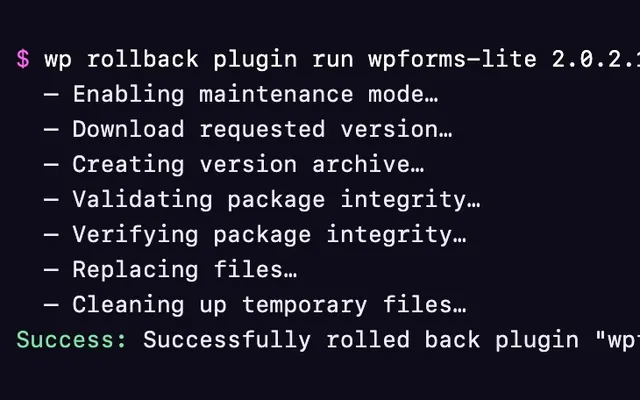
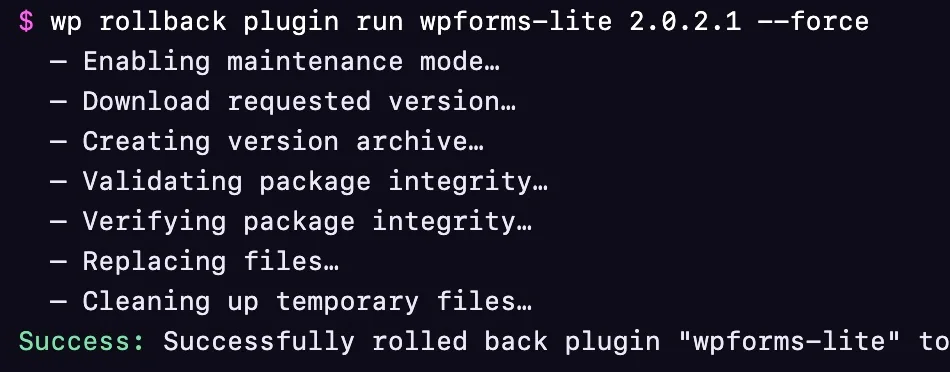
WP Rollback rolls back any WordPress.org plugin or theme for free. Pro adds premium plugins and themes through Plugin Vault and automatic local backups, a dashboard with your full rollback history, email status reports, WP-CLI commands, and AI agent support.
Bad update? Just rewind.
Roll any plugin or theme back to the version that worked. Free for everything on WordPress.org, and Pro for the premium ones you paid for.

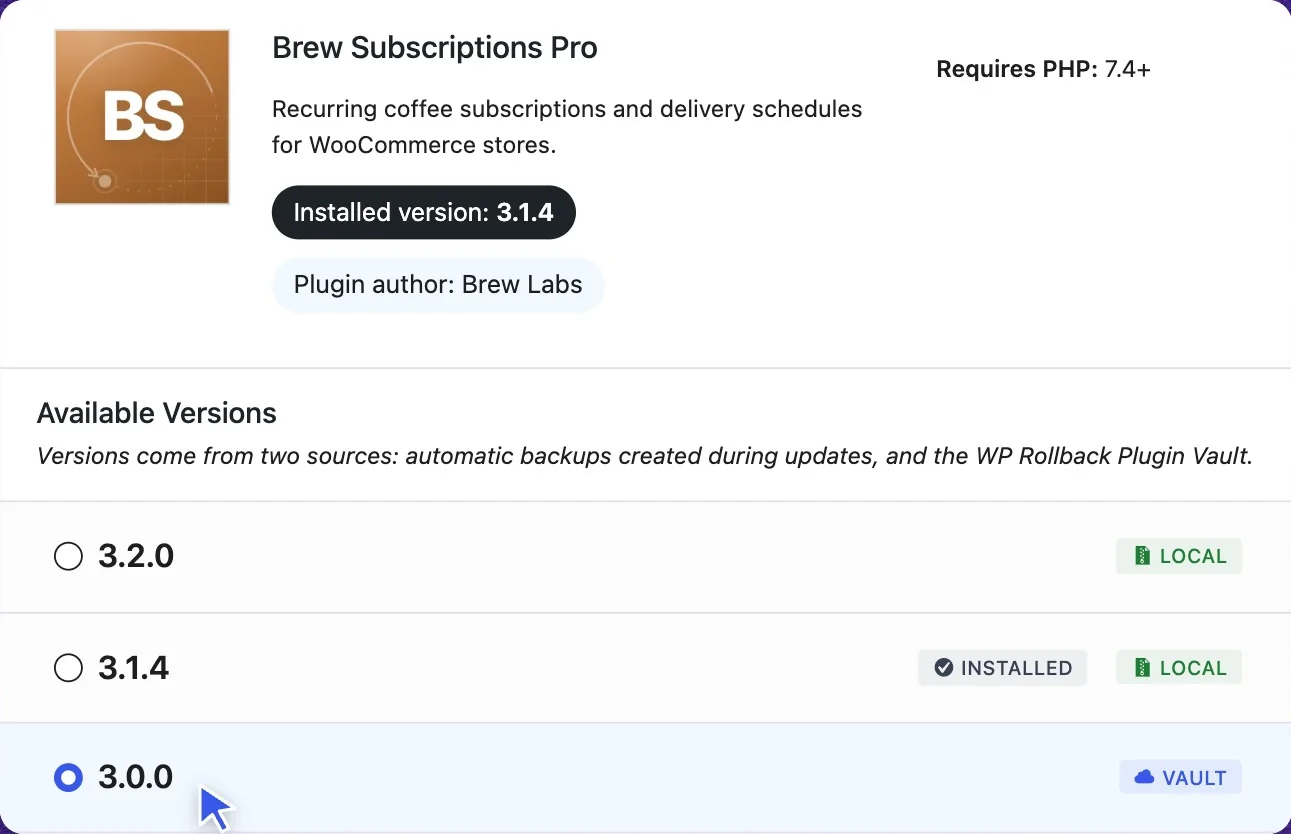
Roll back premium plugins
Pull an earlier version from Plugin Vault, a shared library built by Pro sites, or from the private backup WP Rollback saves before every premium update.
Explore Plugin Vault
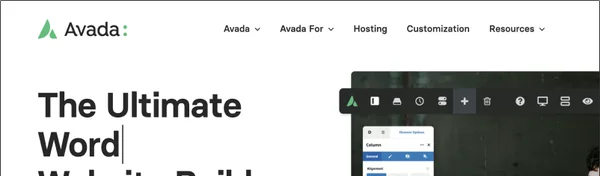


Version control for premium themes
Theme updates are the usual cause of broken layouts. Roll Astra, Avada, Enfold, Kadence or any other theme back to the version that looked right.
Explore theme rollbacks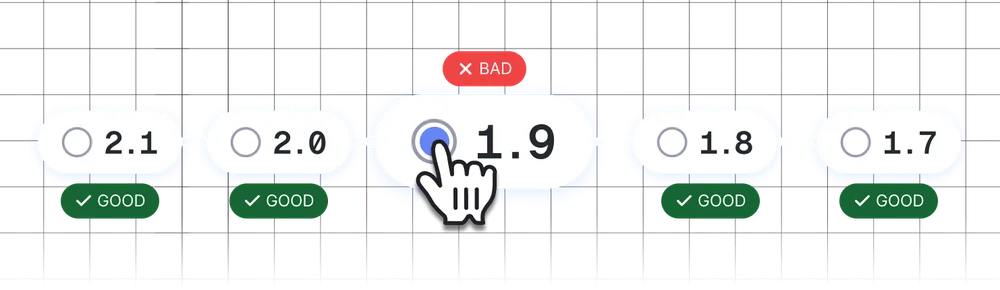
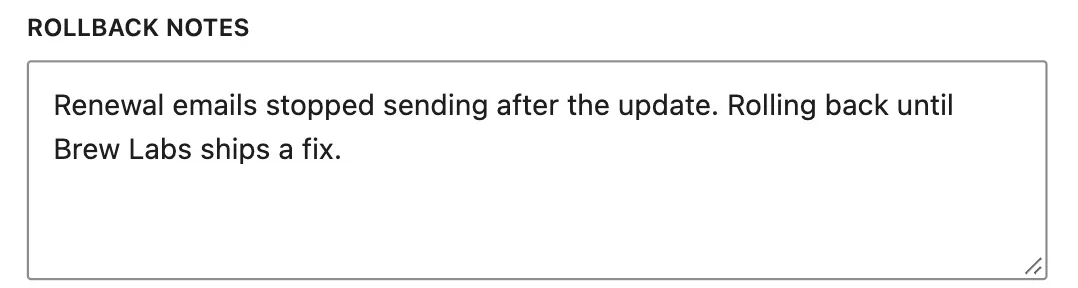
Pinpoint the version that broke it
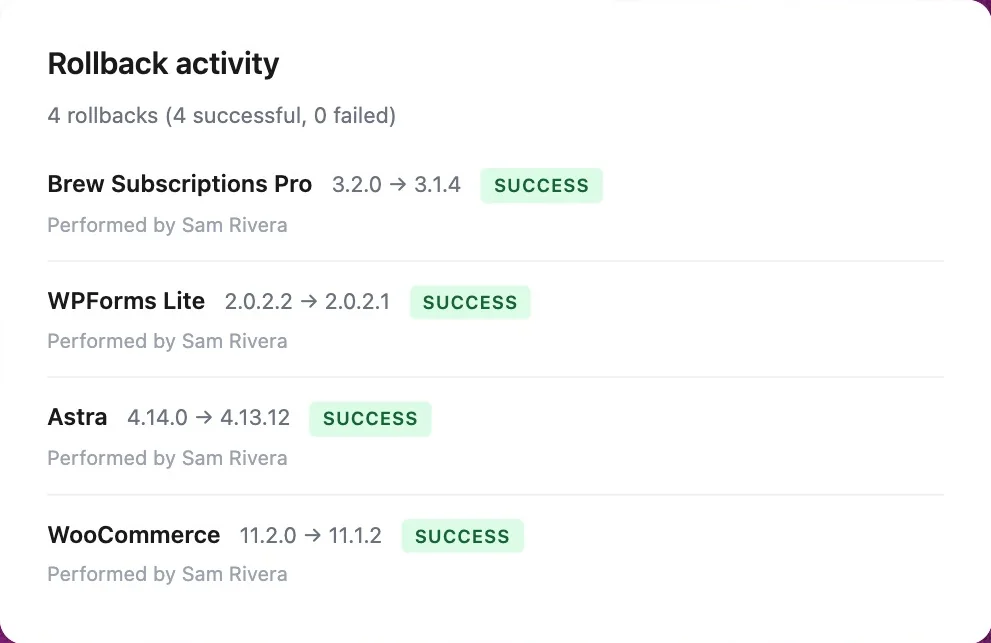
Step back one version at a time until the problem disappears. Pro logs every rollback with who ran it, when, and why.
Explore history and notes
- Step 1Pick a version
- Step 2ClickRollback
- Step 3Back to working
No technical knowledge required
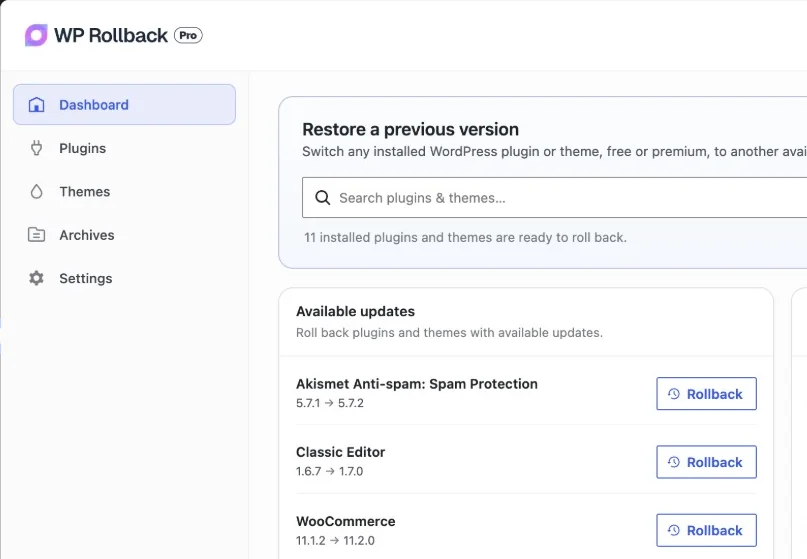
No FTP, Subversion or Git. Pick a version and click Rollback. If the new files can’t be installed, the version you had is put back for you.
Explore safe rollbacksThe plugin people thank after a bad update.
- WordPress.org rating
- 4.9
- Active sites
- 300,000+
- Free forum support
- Since 2015
“You saved me a whole day of work and my face in front of a customer.”
An update crashed the site half an hour before a client presentation. It was rolled back a minute later.
 @juanbarhamWordPress.org review
After a critical error due to an update on on Elementor (ONCE AGAIN!), this plugin turned out to be an absolute life saver as I had forgotten to take backups of the work I had done over a few weeks, and managed to roll Elementor back to a version that didn't break the site completely. Cheers!
 @tt8tt7ttWordPress.org
When you need a quick rollback because, for example, a plugin crashes all your whole site and you can't figure out what's happening… and the developer releases an update without testing (and don't responded your replies -I hate it-). THIS is the plugin that will save your day, you can "go back in time" to when everything was working OK. Thanks and keep improving, we will need it.
 @beozWordPress.org
The Plugin helped me very much to run my site again after update of a faulty plugin.
 @dietschiWordPress.org
One of my favorite plugins! It's so simple to use when you need it and it saves a ton of time vs manually hunting down past versions, downloading them and then uploading them to WP. When you're already pissed off bc a plugin update didn't work and it's messing things up, it's nice to have a tool that quickly and easily rolls back to a previous version.
 @baermktgWordPress.org
I had a lot of failed plugin updates and now need this plugin. This plugin brings peace of mind to my website.
 @senribbWordPress.org
Free on every site. Pro for the rest.
Free rolls back anything on WordPress.org. Pro adds the premium plugins and themes you paid for, plus the tools agencies run on.
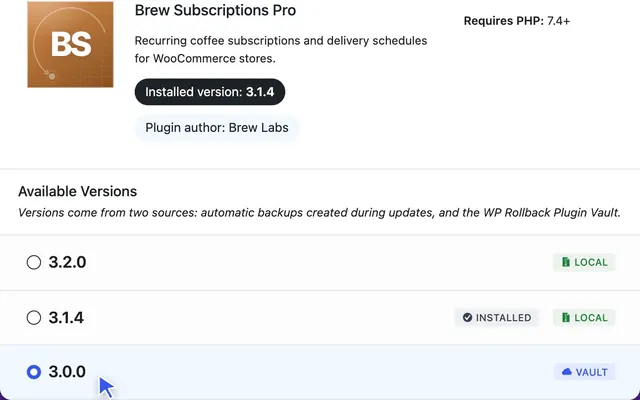
Roll back premium plugins and themes from a shared library built by Pro sites, or from your own backups.
Explore Plugin Vault- Also in the box
- Every past release, including betas
- Your content and settings stay put
- SHA-256 checked Vault downloads(Pro)
- Archive manager(Pro)
- Privacy tools for data requests(Pro)
The WordPress professional’s update insurance plan.
Turn website emergencies into 30-second fixes. When clients panic over broken sites, you’ll be their hero.
- Plugin VaultPremium versions with nothing to upload, even if WP Rollback wasn’t installed before the bad update.
- A private backup before every premium updateThe exact copy your site had is always one click away.
- One dashboard for every rollbackWaiting updates, recent rollbacks, and who rolled back what, when and why.
- Status reports for you and your clientsScheduled emails showing what’s protected, what was rolled back, and what needs attention.
- Built for agencies and automationWP-CLI, AI agents through the Abilities API, and whole multisite networks.


The next bad update is a 30-second fix.
Start with the free plugin, or go Pro and cover every premium plugin and theme on every site you manage.
- Free on WordPress.org
- 300,000+ active installs
- 30-day money-back guarantee

