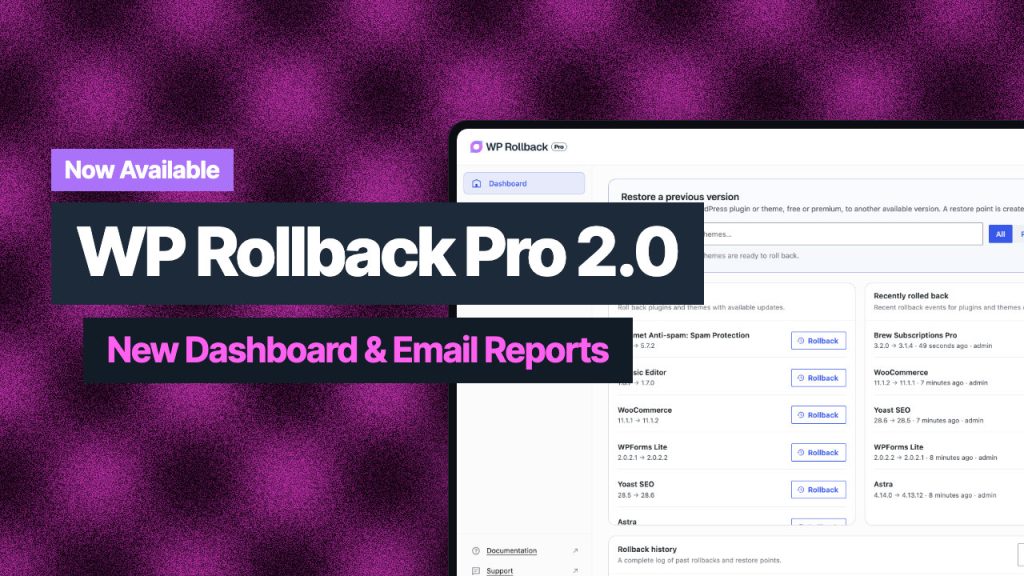
We’ve just released WP Rollback Pro version 1.1, and it’s packed with features that make managing rollbacks even easier, safer, and more powerful. Let’s dive into what’s new.
New Dashboard Navigation
The dashboard has a fresh update with a new top menu that makes navigation faster and more intuitive:
- Plugins tab: Quickly view all your plugins with updated styling that clearly shows active vs. inactive status.
- Themes tab: A similar streamlined view for managing your themes.
- Archives tab: A brand-new addition and the highlight of this release.
Introducing the Archives Page
The new Archives overview feature is the core of version 1.1.
It gives you a view into all your premium theme and plugin archives:
- Automatic backups: Every time you update a premium plugin or theme, WP Rollback Pro saves the previous version locally.
- Full control: View your stored archives, download them as ZIPs, roll back instantly, or delete them if you no longer need them.
- Smart storage limits: Decide how many archives to keep per asset (for example, 3–5 is usually enough). WP Rollback Pro automatically cleans up older archives for you.
- Clear all option: Need a fresh start? Use the “trash can” button to remove all stored archives (with a confirmation step to prevent accidents).
This ensures you always have a recent safe version ready when you need it without cluttering your storage.
Reminder: How Premium Updates and Rollbacks Work
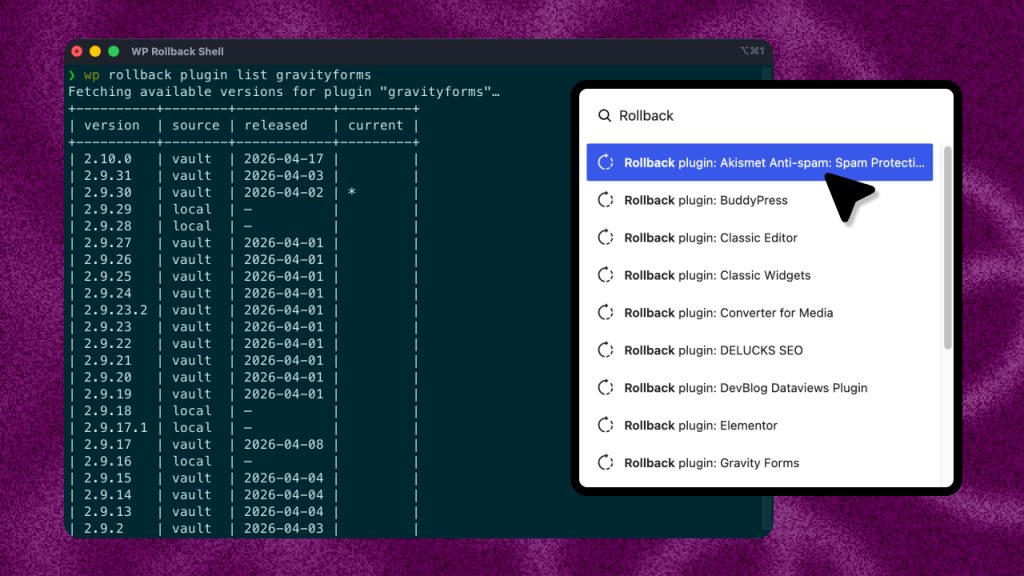
As a reminder, when you update a premium plugin such as Gravity Forms, WP Rollback Pro automatically:
- Waits for the plugin to validate the license and run the update process.
- Archives the currently installed version before the update runs.
- Makes that version instantly available in the rollback screen.
For example, updating Gravity Forms from 2.9.17 to 2.9.18 automatically saves 2.9.17 as a rollback option. If something goes wrong, rolling back is just one click away.
Updated Settings Page
The Settings page is now tabbed. A new Archives tab is the primary settings view, and the settings screen is secondary.
On the new Archives tab you can:
- Adjust how many versions are stored per plugin or theme.
- Manage cleanup of older archives.
- Quickly clear all stored backups if needed.
This gives you more flexibility and control over how rollbacks are managed.
What’s Coming Next
Version 1.1 is just the beginning. We’re already working on additional features such as:
- Plugin locking
- Vulnerability scanning integrations (Patchstack, WPScan)
- More detailed views for plugins and themes
Final Thoughts
WP Rollback Pro 1.1 makes rollbacks more powerful, organized, and user-friendly than ever. With archives, you will always have safe restore points for your premium plugins and themes right in your dashboard.
Already a Pro user? Update today from your WordPress dashboard. Not using Pro yet? Learn more about WP Rollback Pro and protect your site from update headaches.